Questions
Quick answers.
Do I need a credit card to try it?
No. Sign up, use it free for 14 days and only choose a plan if you want to keep going.
Will it work on my phone?
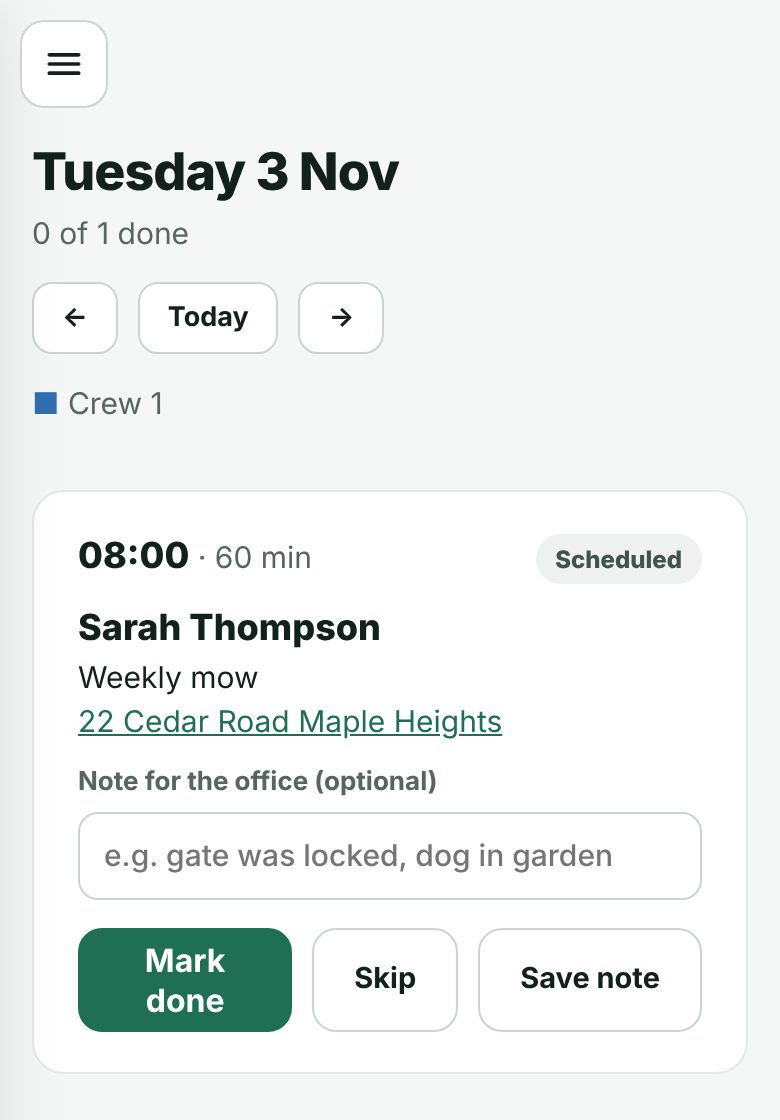
Yes. It works in the browser on any phone, for you and for your crew. Nothing to install.
How does my crew use it?
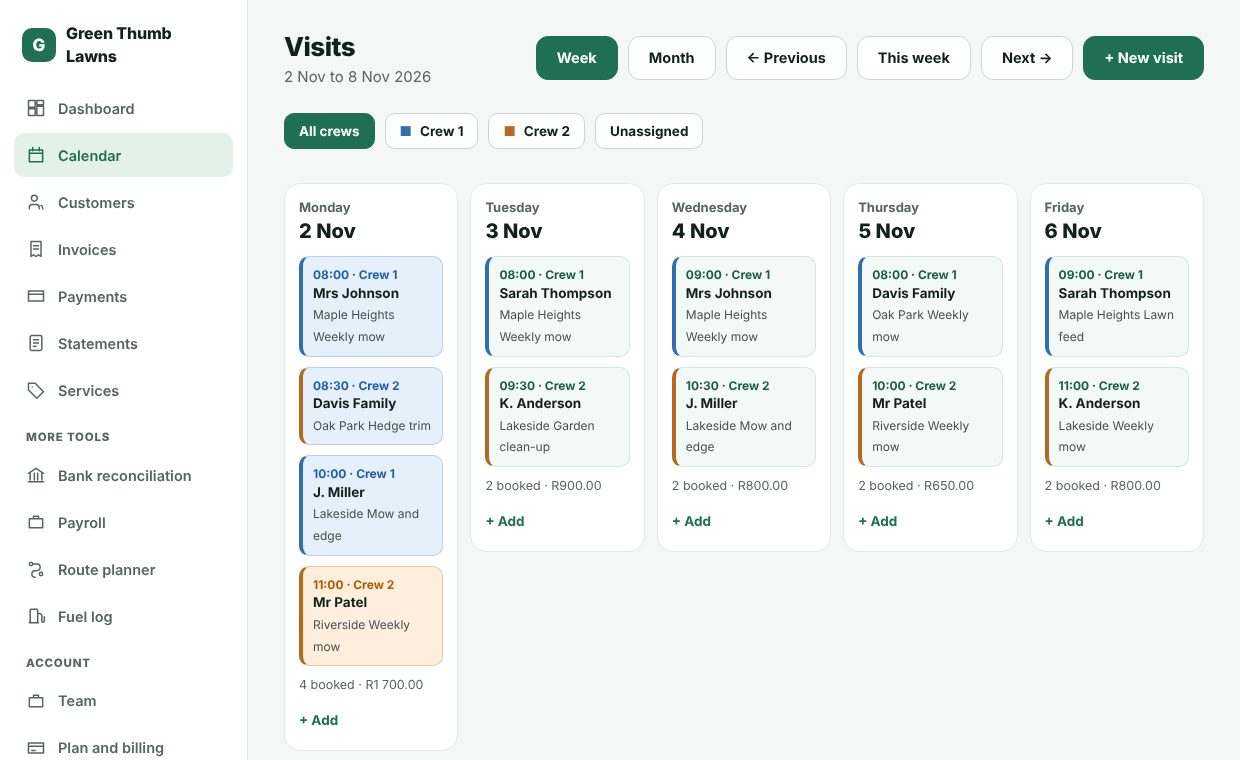
You create a login for each crew member and put them on a crew. They sign in and see only their crew's jobs for the day, with big Mark done and Skip buttons.
Does it really send invoices by itself?
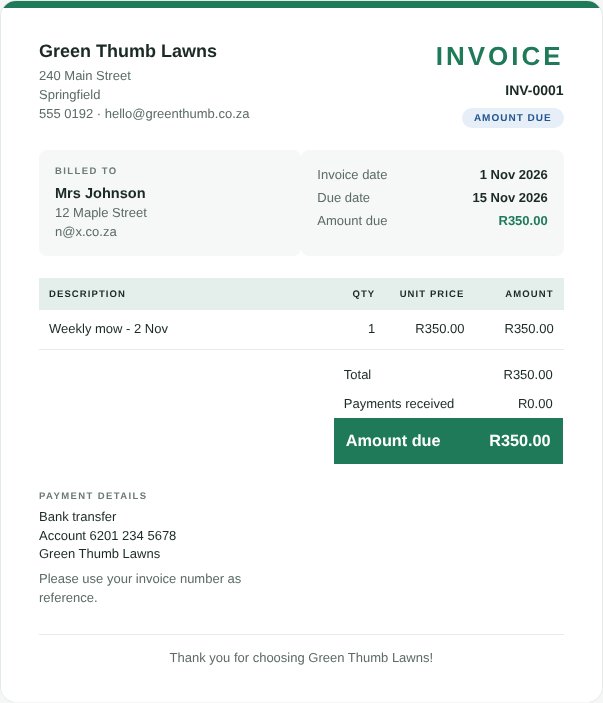
If you switch it on in Settings, yes. When a job is marked done, the invoice is created and emailed to your customer with a PDF attached. You can also send invoices yourself whenever you like.
Can my customers pay online?
Online payments by your customers are on our Growth and Pro plans. On every plan you can capture payments yourself and see who owes you.
What about my bank statement?
Upload the CSV file from your internet banking and we suggest which customer each deposit belongs to, using the invoice number, a client code, an address or the name. You check each one before it is recorded.
Is my information safe?
The site runs on a secure https connection, passwords are stored scrambled, and each business can only ever see its own information. You can read more in our privacy policy.
What happens to my data if I cancel?
Your information stays yours. You can export your customers, invoices and payments at any time.
Can I switch plans later?
Yes. Move up or down whenever your business changes.
What if I get stuck?
Email us at support@dashpro.co.za and a real person will help you.